Bandizip
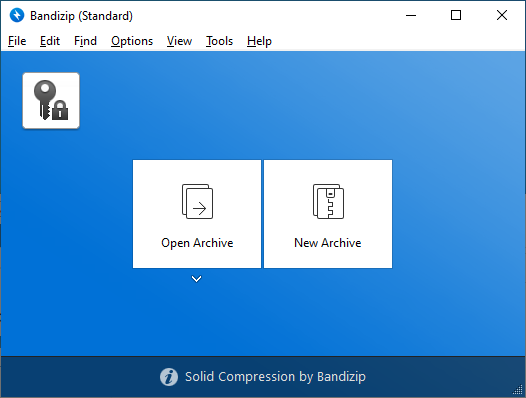
High-performance archive tool for Windows and macOS.
ZIP, 7Z, RAR and 30+ formats. Compress and extract with ease.
No cost • Every edition free • No ads or bundled software
High-performance archive tool for Windows and macOS.
ZIP, 7Z, RAR and 30+ formats. Compress and extract with ease.
No cost • Every edition free • No ads or bundled software
Speed, reliability, and a clean interface. Bandizip brings pro-level archiving to everyone at zero cost.
Multi-core support and tuned algorithms give you the quickest pack and unpack times. Handle big archives in seconds.
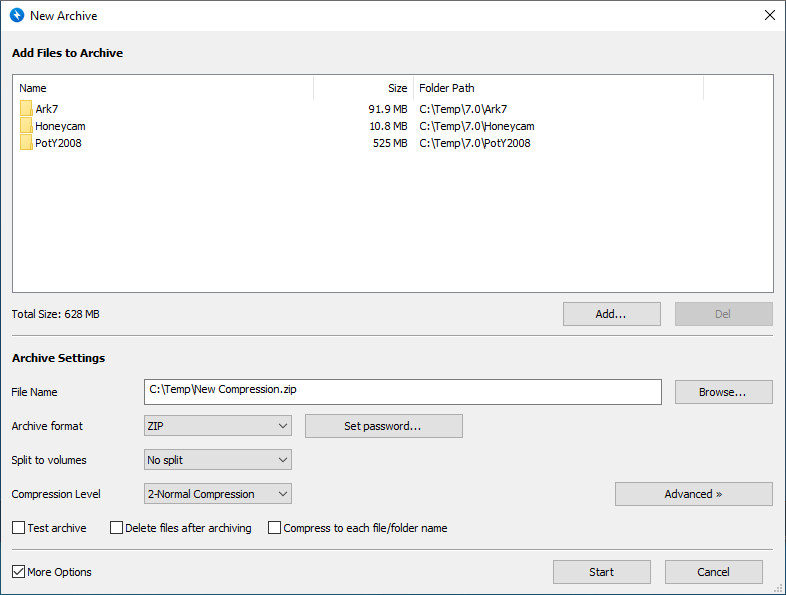
ZIP, 7Z, RAR, TAR, GZ, BZ2, XZ and more. Create and open almost any archive format you run into.
AES-256 encryption keeps your archives safe. Lock files with passwords and store credentials securely.
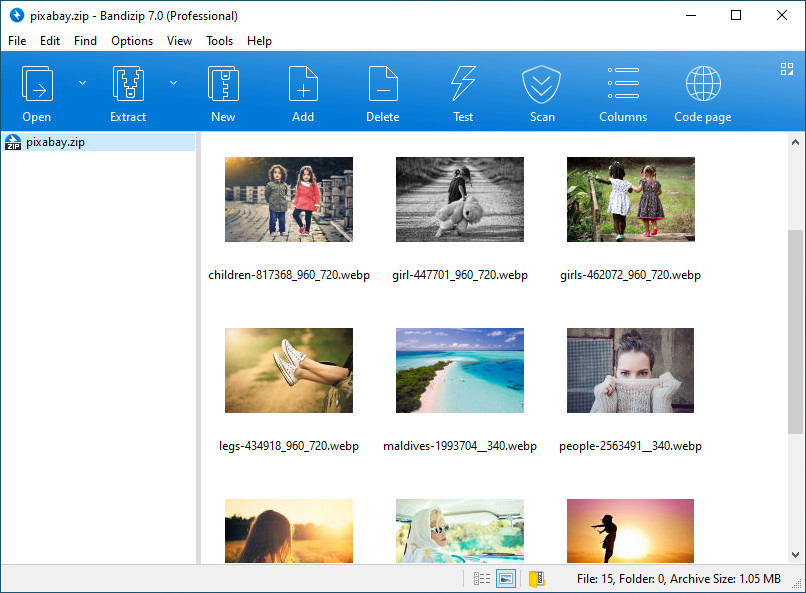
View pictures inside archives without extracting. Thumbnails and full preview right in the app.
Optional scan of extracted files before you open them. Extra protection for your PC or Mac.
Recover damaged ZIP and 7Z files with built-in repair. Get your data back when archives are corrupted.
One app, two platforms. Bandizip offers the same rich feature set on Windows and macOS.
Built for Windows 10 and 11 with Explorer integration and context menus. Works on 64-bit and 32-bit systems.
Native Mac app for Apple Silicon and Intel. Integrates with Finder and follows macOS design.
Every Bandizip edition is free. Choose Standard, Professional, or Enterprise to match how you work.
Free
Ideal for home use. Full pack and unpack for 30+ formats with no charge.

Free
For power users and teams. Password manager, recovery, and advanced repair at no cost.

Free
For organizations. Volume deployment, central management, and enterprise support included free.
Bandizip packs advanced tools into every edition. No paid tiers—everything is free.
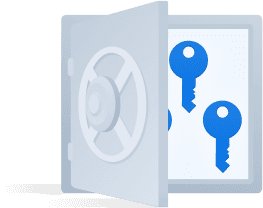
Keep archive passwords in one secure place. Encrypted storage so you never lose access.
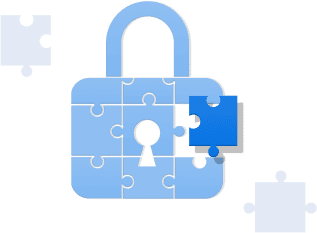
Regain access to locked archives with built-in recovery tools when you forget the password.
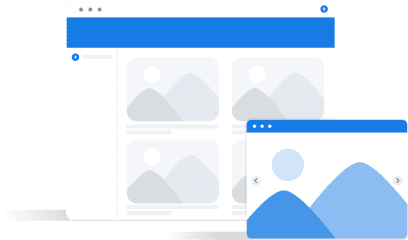
View photos and graphics inside archives without unpacking. Thumbnails and full-size preview.

Fix damaged ZIP and 7Z files and recover data from corrupted archives.
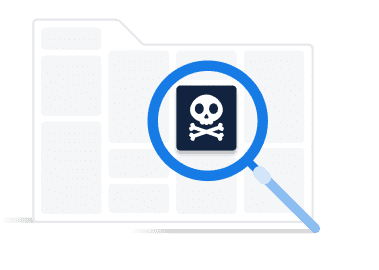
Scan extracted files for malware and viruses before you open them. Extra safety built in.
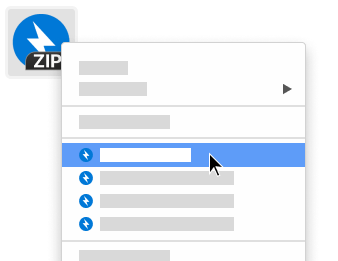
Compress and extract from the Finder right-click menu. No need to open the app for quick tasks.
Note: Every feature above is free in every Bandizip edition. Compare editions for the full list.
FAQs, guides, and docs. Learn how to get the most out of Bandizip.
Changelog and release notes. See what changed in each Bandizip update.
Standard vs Professional vs Enterprise. All free—pick what fits.
Questions or feedback? Reach out to the Bandizip team.